


Coffee Lover Project

Welcome to your Bootstrap Project: Coffee Lover

You will recreate this webpage and an additional Form Page

Just follow the instruction steps here to re-create these webpages!

  1. Create a general landing page with a JumboTron
  2. Next create a NavBar on the Page that links to another html file
  3. Add two paragrahs of lorem-ipsum below the jumbotron
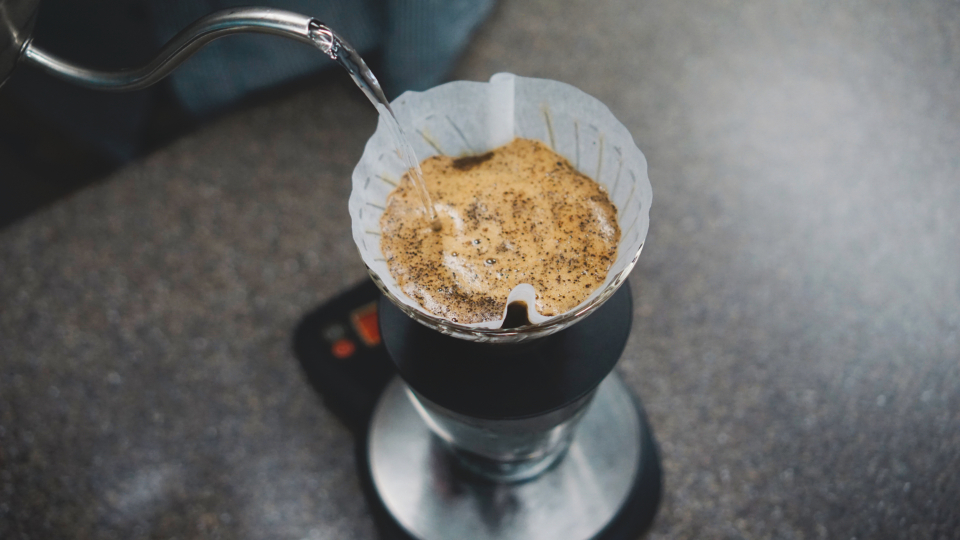
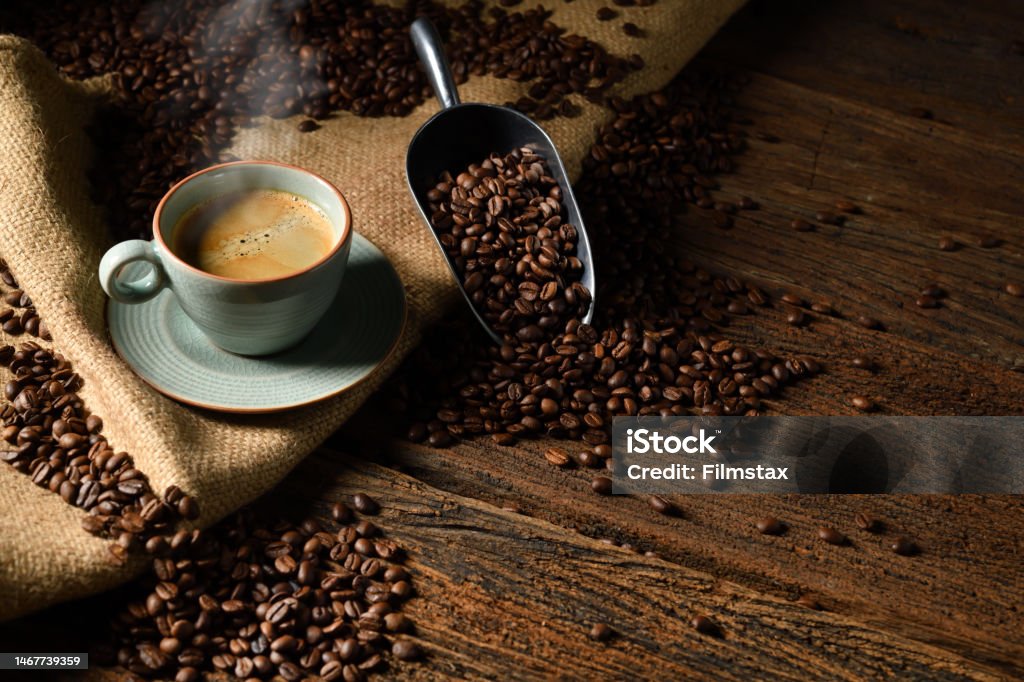
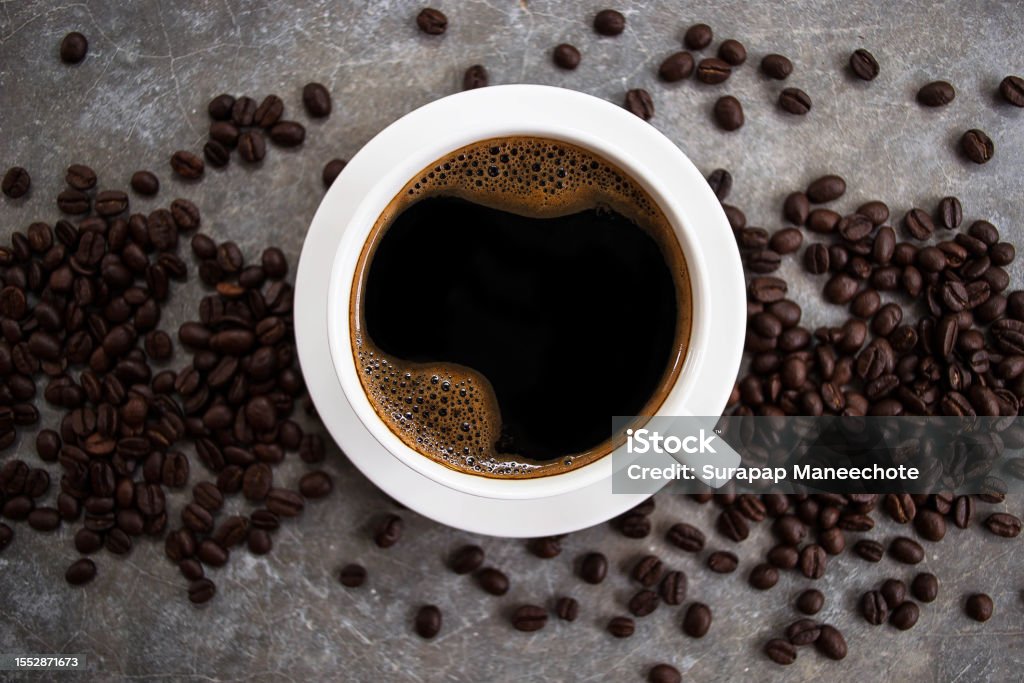
  4. Next use the Grid system to add in thumbnail pictures of coffee. Source: https://stocksnap.io/search/coffee You will need to use the thumbnail class for this. Here are the image links:
  5. Next make sure that at the largest settings you have 3 columns of pictures. On the smallest screen settings you should have 2 columns. Its up to you where you want to change
  6. Next create another html file for the sign up page.
  7. Create a Form on this Sign Up page with Email, Password, and a Check Box

That's it. Feel free to play around with this project and style it more to your liking. The main focuses of this project are the uses of NavBar, Jumbotron, Form, Container, and the Grid System.

Lorem ipsum dolor sit, amet consectetur adipisicing elit. Aperiam quod velit ab eveniet eligendi nam exercitationem, molestias, temporibus dolor, omnis modi a illo blanditiis maiores ducimus aliquam asperiores nemo nihil!

Lorem ipsum dolor sit, amet consectetur adipisicing elit. Aperiam quod velit ab eveniet eligendi nam exercitationem, molestias, temporibus dolor, omnis modi a illo blanditiis maiores ducimus aliquam asperiores nemo nihil!